“Machines should work; people should think”
IBM – 1967
Aaaand, it happened.
Finally, GPU arrived, installed and even running with intention to demonstrate, that cheap setup also could cover some AI opportunities and keep them at home. Or not.
So, frankly speaking, it’s a really long story, quite common, I think, for all of the homelab owners – you are trying to operate whatever you have without a failure, and at the same moment of time, updating and expanding your capabilities within your “non-business capabilities”.
Historical overview
Idea of getting GPU into the lab popped up long time ago, around 2019, and idea was to run small models for some tasks, like an upscaling of images and image recognition. Those days I got RTX 1650, that was only capable to help me run Baldurs Gate 3 on old Lenovo W520 with Chinese eGPU connected to ExpressCard (OMG, does anyone remember it?), that was quite nice way to extend laptop life for couple of years. BTW, it still alive and functional.
Unfortunately, at that moment of time there was no opportunity to put it into the server, so, the card for gave away for other good deeds. Just a few pictures, to give some sense about how it looked like long time ago
5060 Ti
After bunch of relocations and other interesting things, I got another in-budget GPU, that could fit my purpose.
Yes, of course, intention was about H200, but, at least, this one would be able to respond to some AI challenges and models, as life with CPU compute is full of delays.
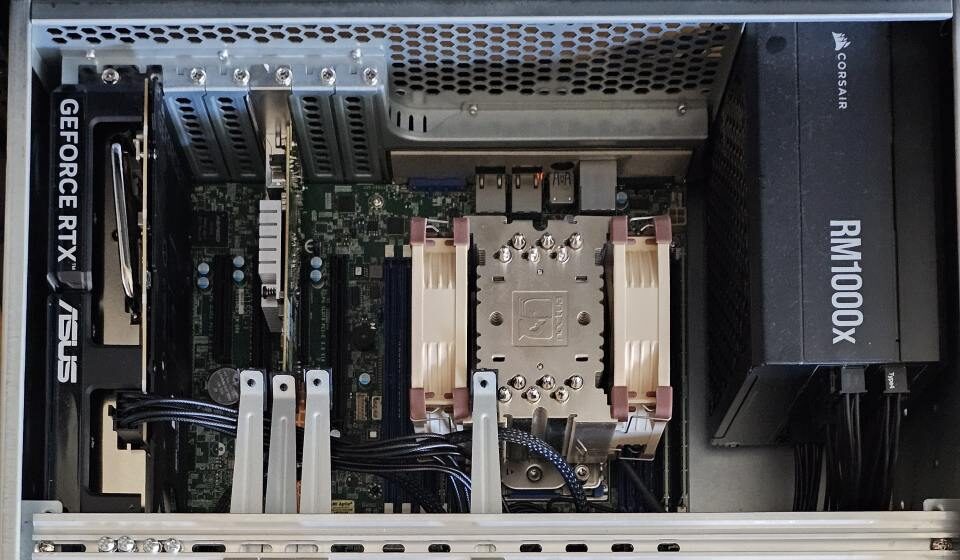
Installation part is not really something interesting, except size of it, Full-size ATX board even seems too small for such elements.
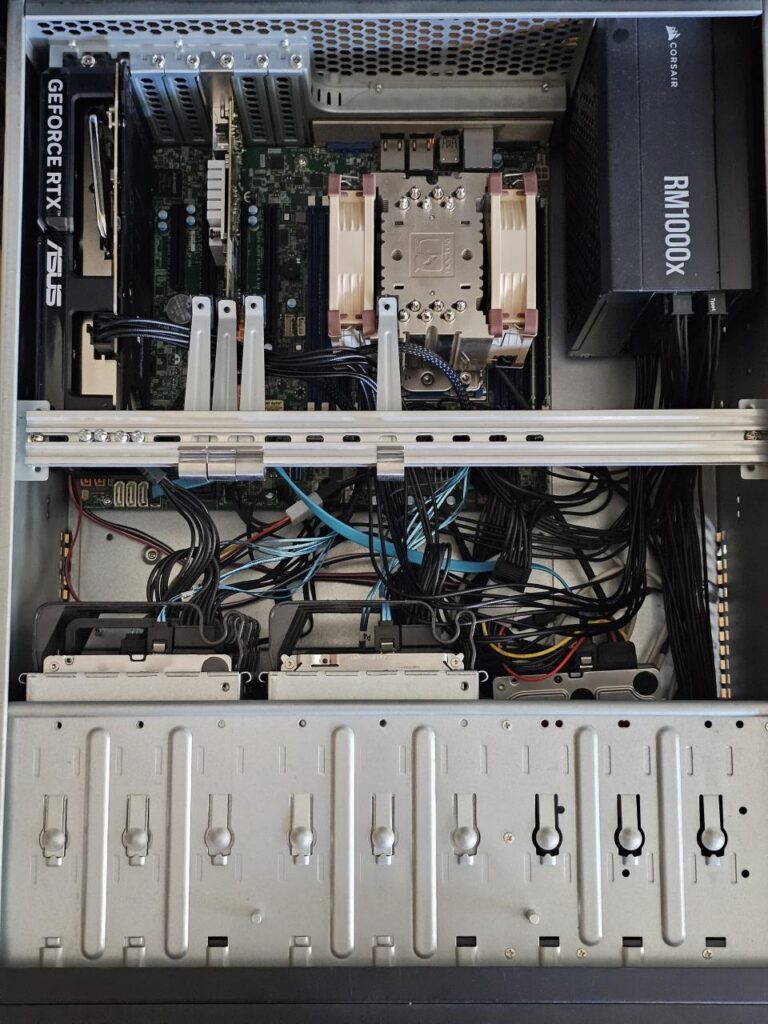
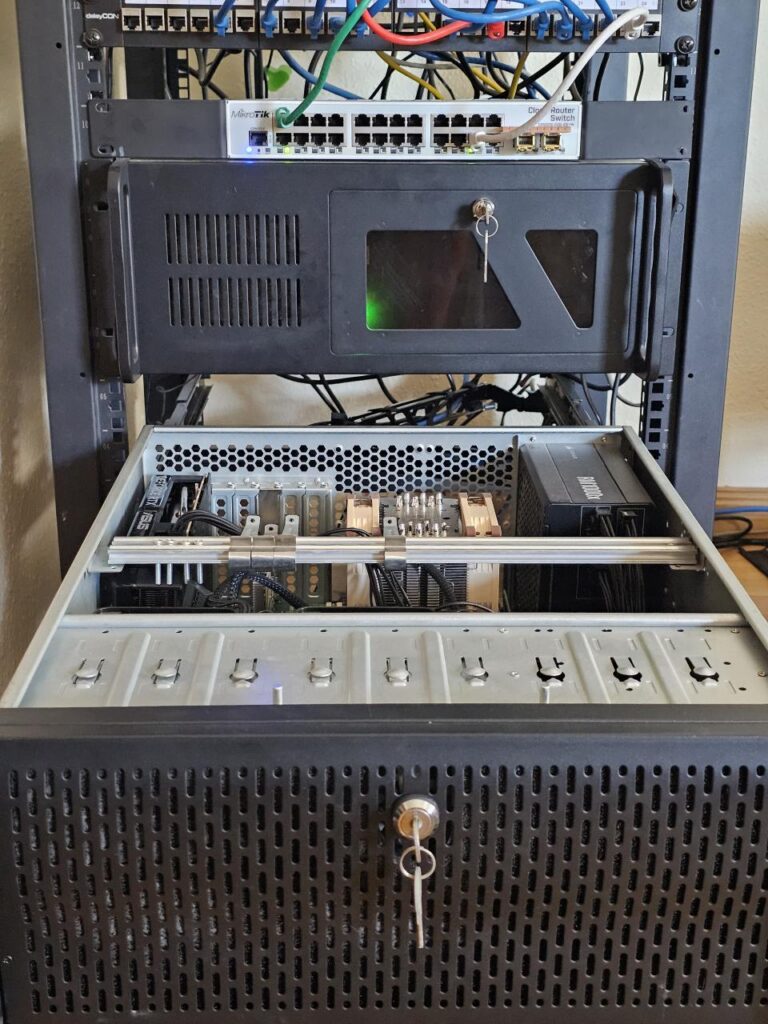
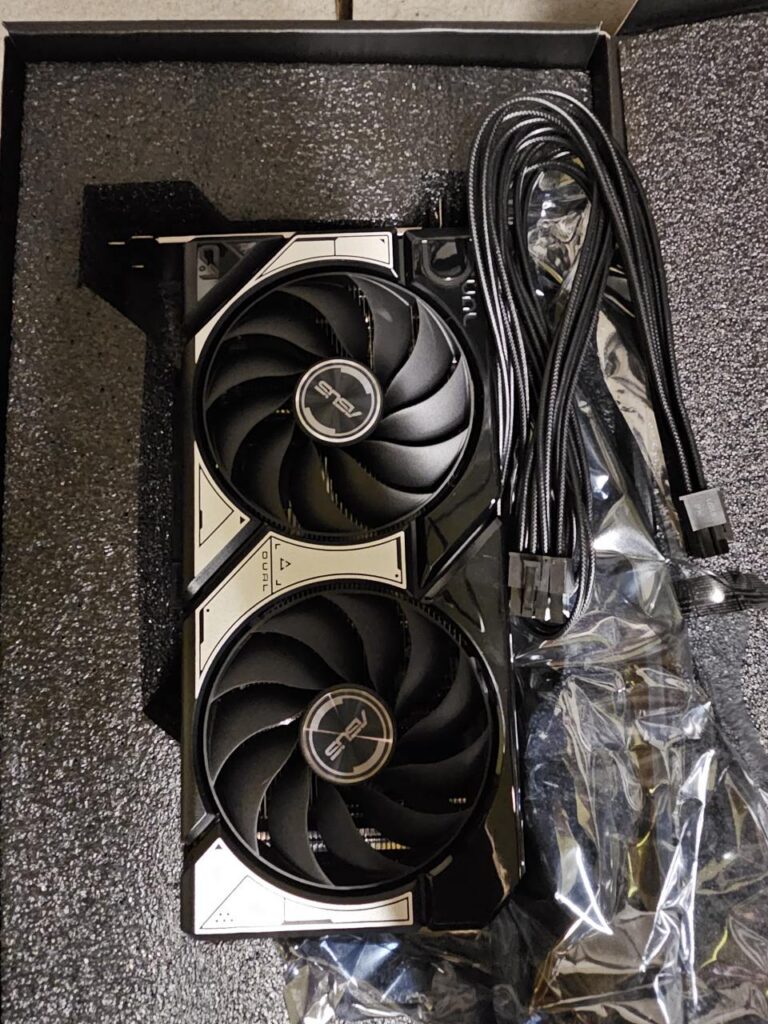
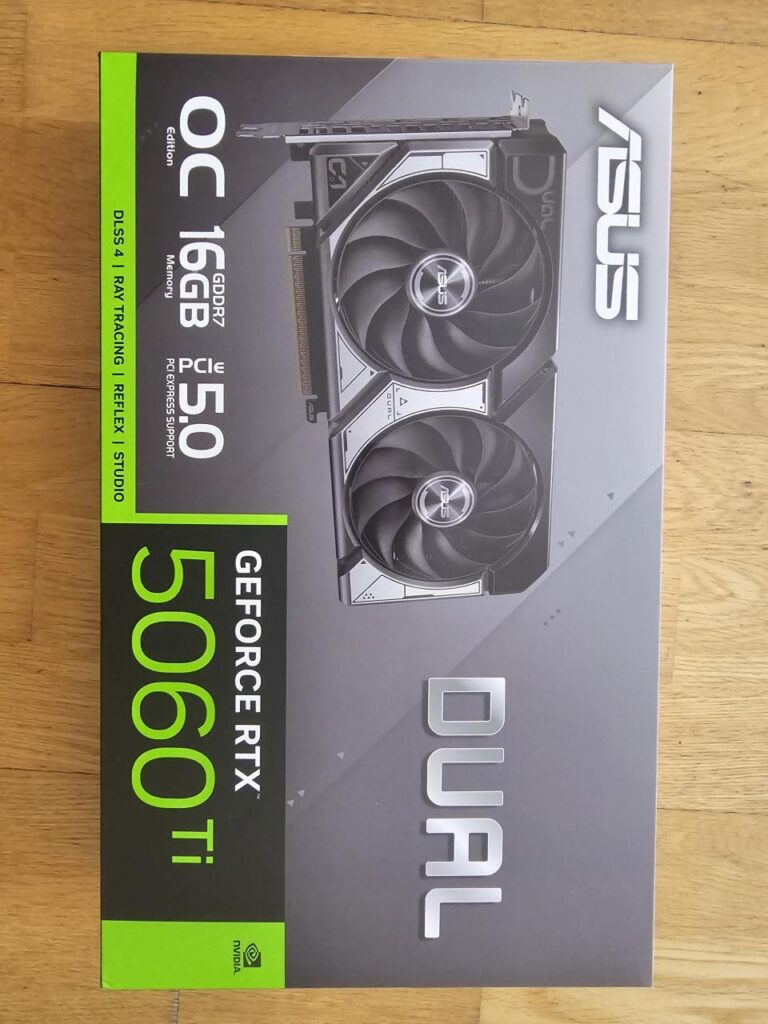
5060Ti was chosen only because of the amount of VRAM, as experiments with local LLMs on 2080 with 8Gb demonstrated obvious lack of VRAM. As this kind of system is not intended to compete with cloud ones, async concept with background tasks and agents should works fine, within the current landscape.
Unfortunately, prices for 5070, 5080 and 5090 are out of any salary band. RTX 4070, that might looks more preferable – unfortunately, also seems overprices, and old P4 with other professional cards seems to be quite or too old, that makes them hot, noisy and incompatible with modern drivers, that make use of such kind of GPUs quite unpredictable in couple of next years. So, 500 euros – kinda acceptable price for quite nice toy.
Setup
Thinking about configuration, initial idea was to provide GPU to Kubernetes nodes, and share transcoding from emby, CPAI detection and other essential load with GPU, but with Nvidia drivers rules and small amount of VRAM, I decided to make a single AI VM with pass-through PCI-E.
Passthrough described quite good in a number of different articles, one, that was handy is here. Main steps:
- BIOS, IOMMU configuration
- Passthrough PCI on HV level with Proxmox
- Driver installation.
Only notice for future – is that Linux version needs to be aligned with drivers version. 5060 drivers should be around 575 version, and not really recognizable by Debian 12. But keep systems up-to-date – is something that we must to do.
AI environment
So far intentions is to create family-oriented helper for HomeAssistant. Since then many different approaches was applied on this setup, one day, I might document it, but still – capability to chat with it, is cool. Another main purpose – agent automation for number of well-defined tasks. On one hand, Ansible already capable to handle 90% or regular routine tasks, on other – rest 10 percent could be quite interesting to implement.
So, right now I have Ollama server as a core element to interact and host models. So far I have tried several gemma models, which can work fast, quite reasonable and predictable.
To add some context for it I have used metasearch engine from SearXNG. That’s, probably, one of the great findings itself, as it providing untraceability from big marketing companies, and amount of different parameters giving humble hope and tune it according any needs.
And a last thing to make it usable within the Homelab – OpenWebUI . Very powerful interface with mobile application, that can link you to your data. Great amount of integrations, including ability to interact with OpenAI, custom search engines and even connect Stable Diffusion.
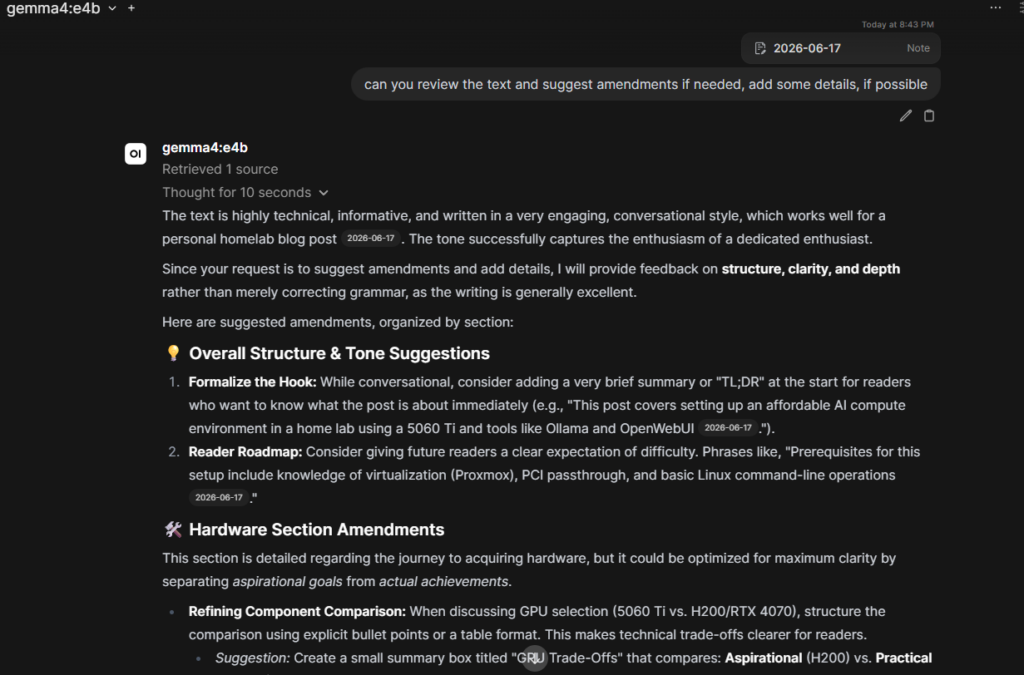

So far, it’s not seems to be a rocket science, even, we are not talking about productivity boost or x10 written lines of code, but for sure it can keep your data with you and unlock something, that was forbidden before.
And this magnificent article of low-end AI capabilities I’d like to finish with iconic IBM motto from far 1967 – “Machines should work; people should think”
Thank you!